Linux Commands and Tools I Rely On
Linux Commands and Tools I Rely On
Hey there!
I already put together a command line tutorial based on @recluze’s playlist for people getting started. This post is different: it’s the shortlist of commands and tools I actually reach for daily while running my own server and MSc lab work.
The daily drivers
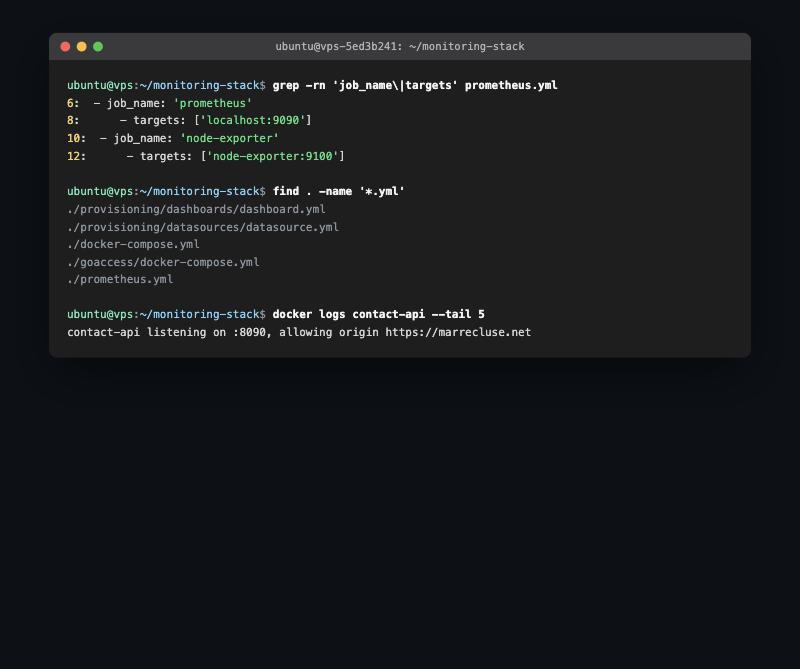
ssh: how I touch my OVH server from anywhere, all day, every day.systemctl: starting, stopping, and checking the health of services instead of guessing why something’s down.ufw: firewall rules, kept simple and reviewed instead of “allow everything and hope.”htop: a quick read on what’s actually consuming CPU/RAM when a server feels sluggish.grep,find,awk: the trio that answers “where is this and what does it say” faster than opening files one by one.journalctl: the first place I look when a systemd service fails silently.
Automation, not repetition
rsync: syncing project files and backups without re-copying everything every time.cron: scheduled backups and maintenance tasks that don’t depend on me remembering to run them.- Shell scripting: turning multi-step manual processes (deploy, backup, restart) into one command.
Why this list, not a bigger one
It would be easy to list fifty commands here. The honest truth is that a small set, used well and understood properly, gets you further than memorising everything. Most of my server incidents have been solved with journalctl, systemctl, and grep before anything fancier was needed.
Happy hacking! 🚀
This post is licensed under
CC BY 4.0
by the author.